Real share-card previews
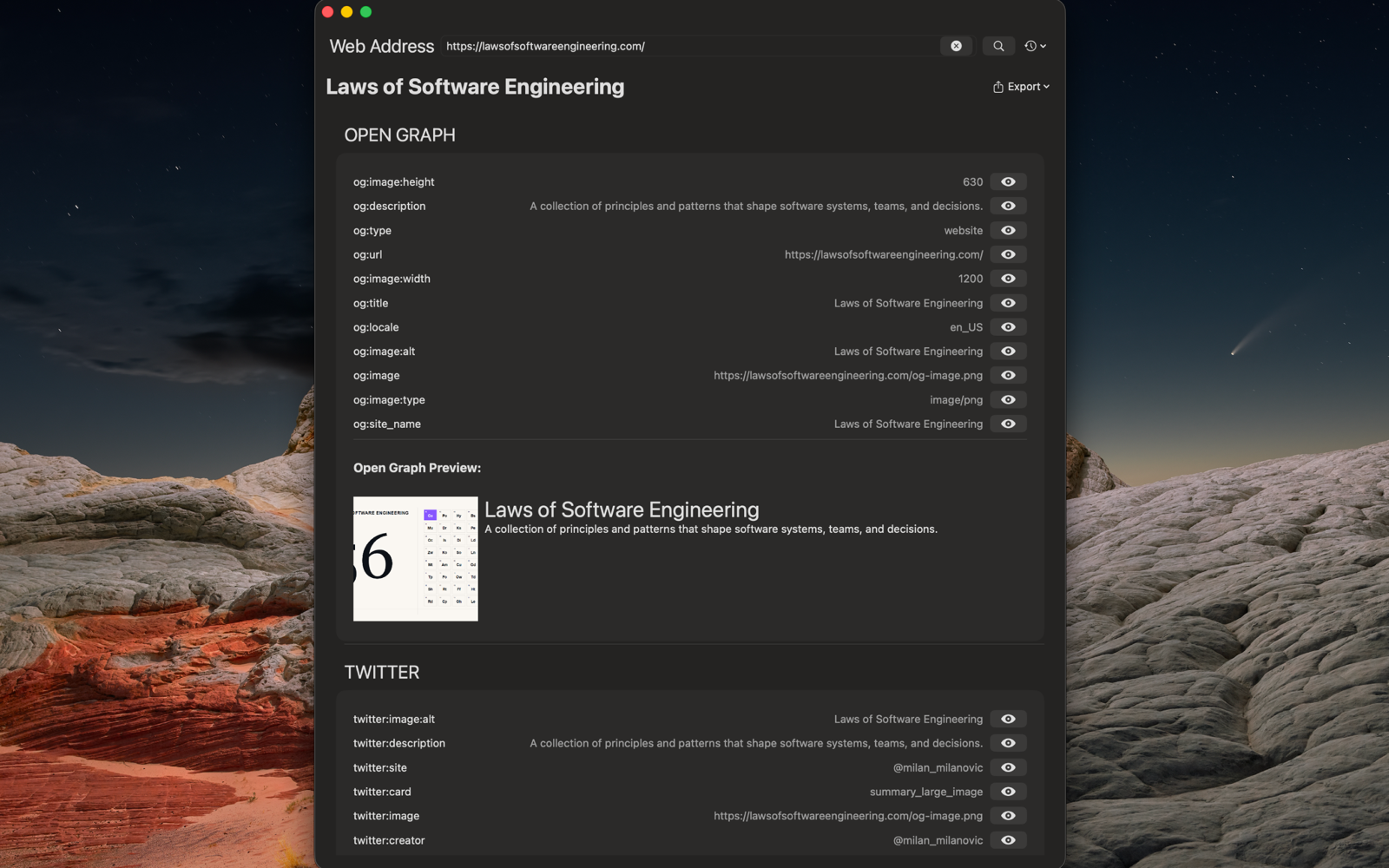
Open Graph, Twitter/X Cards, the native macOS link preview, plus Slack, Discord, LinkedIn and WhatsApp — all rendered the way each platform really shows them.
 Web Metatag Viewer
macOS 14+ · Native app
Paste any URL and Web Metatag Viewer renders the real share cards — Open Graph, Twitter/X, Slack, Discord, LinkedIn, WhatsApp, the native macOS preview, and a Google result — then validates your meta tags and tells you exactly what to fix.
<meta property="og:title" content="Looks great. ✓">
Features
Open Graph, Twitter/X Cards, the native macOS link preview, plus Slack, Discord, LinkedIn and WhatsApp — all rendered the way each platform really shows them.
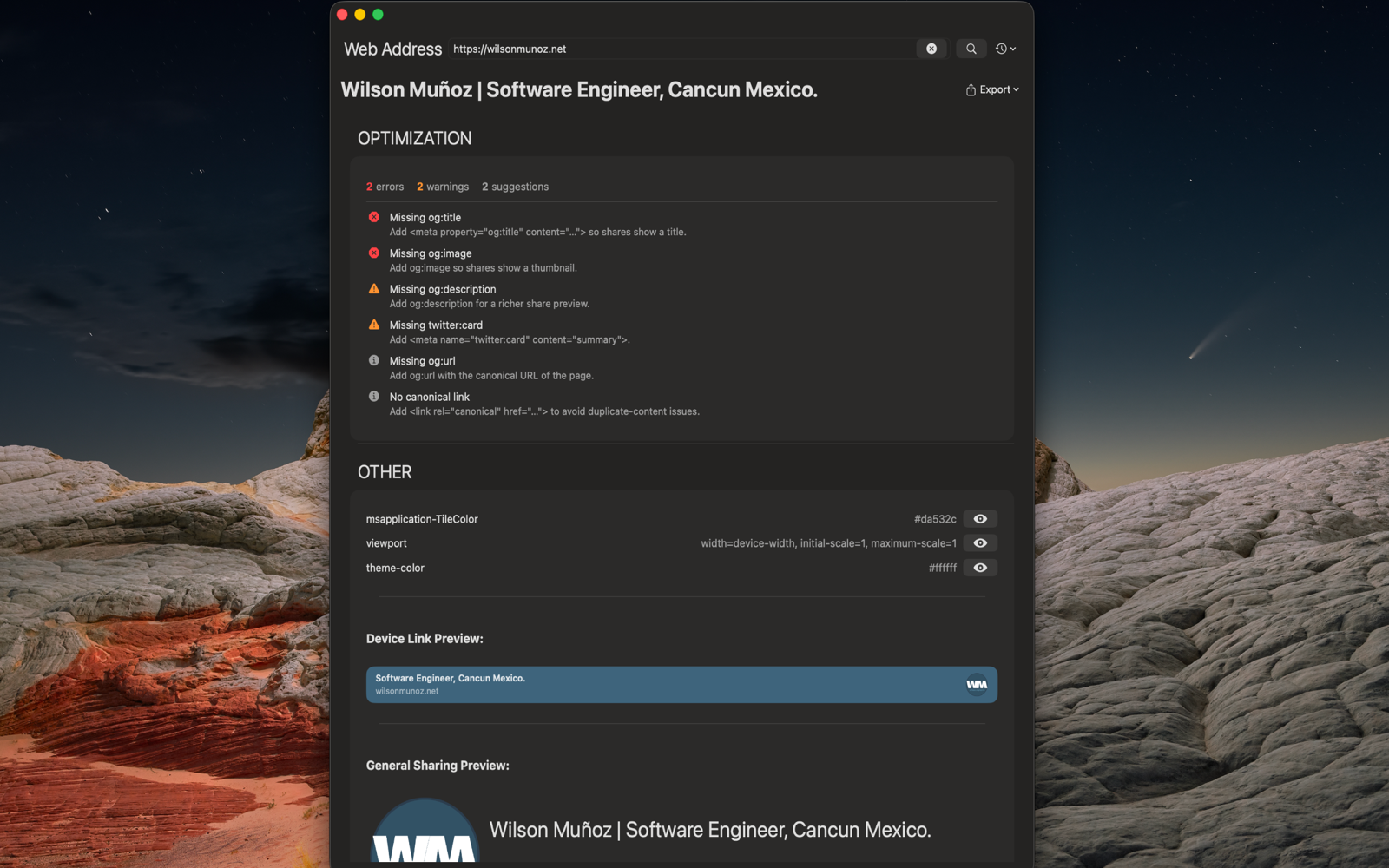
A built-in rule engine flags missing, duplicate or oversized tags — Open Graph, Twitter Card, canonical, viewport, image URLs — with ranked, actionable fixes.
See the breadcrumb URL, title and snippet exactly as they'd appear in a search result, so your page reads well everywhere.
Copy any tag's value or HTML, the full <meta> block, the optimization report, or a ready-to-paste prompt that tells your code editor how to fix the tags.
Every URL you inspect is remembered and one click away from the search bar.
Runs sandboxed with outbound network access only — it reads pages to inspect their tags and never writes your files or tracks you.
Screenshots
Support
You type a web address; the app loads the page, reads its <meta> tags, title and first image, and renders how the page will look when shared across major platforms. It also validates the tags and suggests fixes.
macOS 14 (Sonoma) and later. It's a native, sandboxed SwiftUI app distributed through the Mac App Store.
The app loads the page you ask for in a hidden web view and reads the tags locally on your Mac. It needs outbound network access to fetch pages, but it can't write to your files and doesn't track you or collect analytics.
Any individual tag's value or HTML, the complete <meta> block, a full optimization report, or a self-contained prompt you can paste into your code editor to apply the suggested fixes.
http:// URL — why?For safety the app only loads secure pages. Bare hosts like example.com are upgraded to https:// automatically; plain http:// addresses are declined.
Email [email protected] with what you were doing and the URL you were inspecting. I read every message.